
Bmax Live App: Safe Essential APK Download Guide 2026
TL;DR
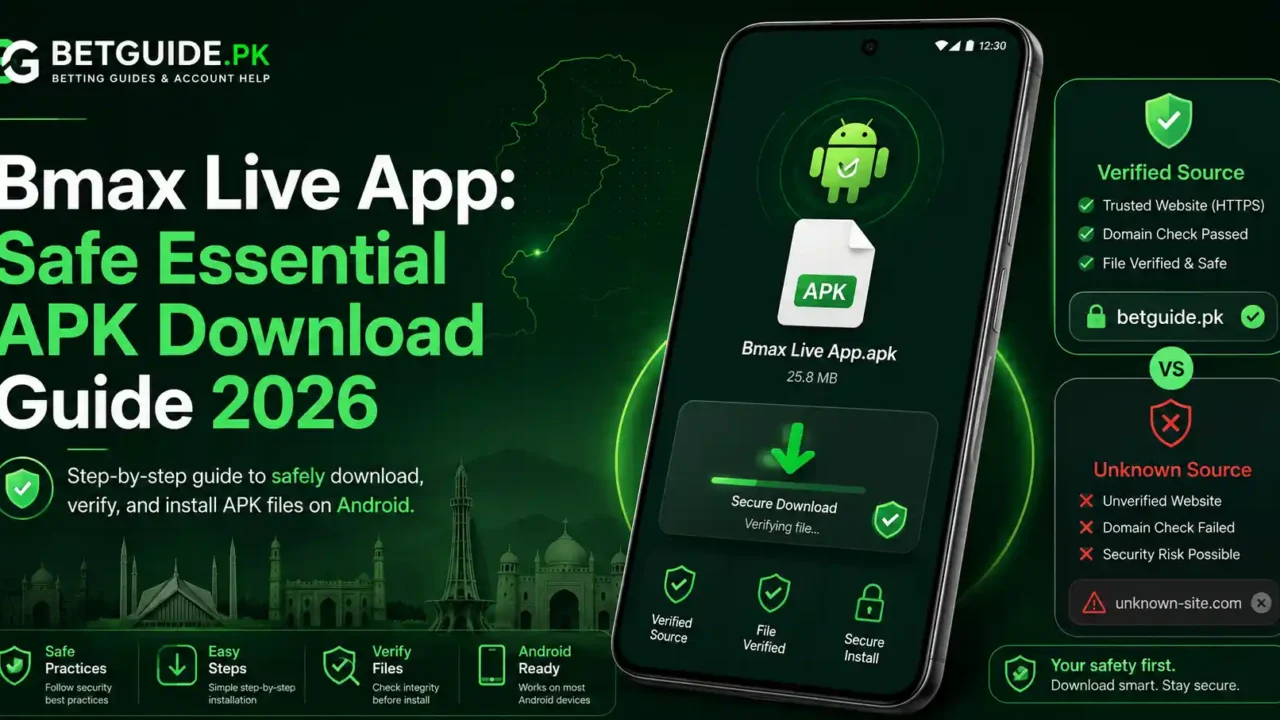
The Bmax Live app search currently leads to an important update: BetGuide.pk is not publishing an approved B Max Android APK, Google Play listing, or iOS app now. The current access method is browser-based, using bmax.gold for login and account access and bmax.live for the live market interface.
If you searched for a Bmax Live app download, do not install an APK simply because a search result, WhatsApp message, Telegram channel, or download page labels it “official,” “latest,” or “old version.” Those words do not prove who published the file. Until an approved app route can be independently verified, browser access is the safer and more accurate instruction.
The same dealer-issued username and password work across both approved browser portals. If bmax.gold accepts your credentials but bmax.live does not open correctly, that does not automatically mean the password is wrong. Treat the login portal and live interface as connected parts of the same account flow, then troubleshoot the exact point that is failing.
If you need a new account, password recovery, payment guidance, or dealer assistance, use the B Max Live Pakistan guide. This article stays focused on the Bmax Live app search intent, the current no-APK status, browser access, mobile shortcuts, security checks, and what to do when an old app or download link appears elsewhere.
Context
What Is the Current Bmax Live App Status?
At the time of this update, BetGuide.pk does not have an approved B Max APK destination to publish. The current B Max parent guide therefore lists browser access as the supported method and explicitly says that no approved Android APK, Google Play listing, or iOS app is available for publication now.
An APK route appeared to be available earlier. App availability can change, links can stop working, and old search results can remain indexed after the underlying route has changed. A responsible Bmax Live app guide should reflect the access method that can be verified now, not preserve an outdated download instruction.
That is why this article no longer provides APK installation steps, version numbers, old-version download guidance, or an app-login workflow. Those instructions would imply a current approved app exists when BetGuide.pk cannot verify one today.
Bmax.gold and Bmax.live: Same Account, Different Roles
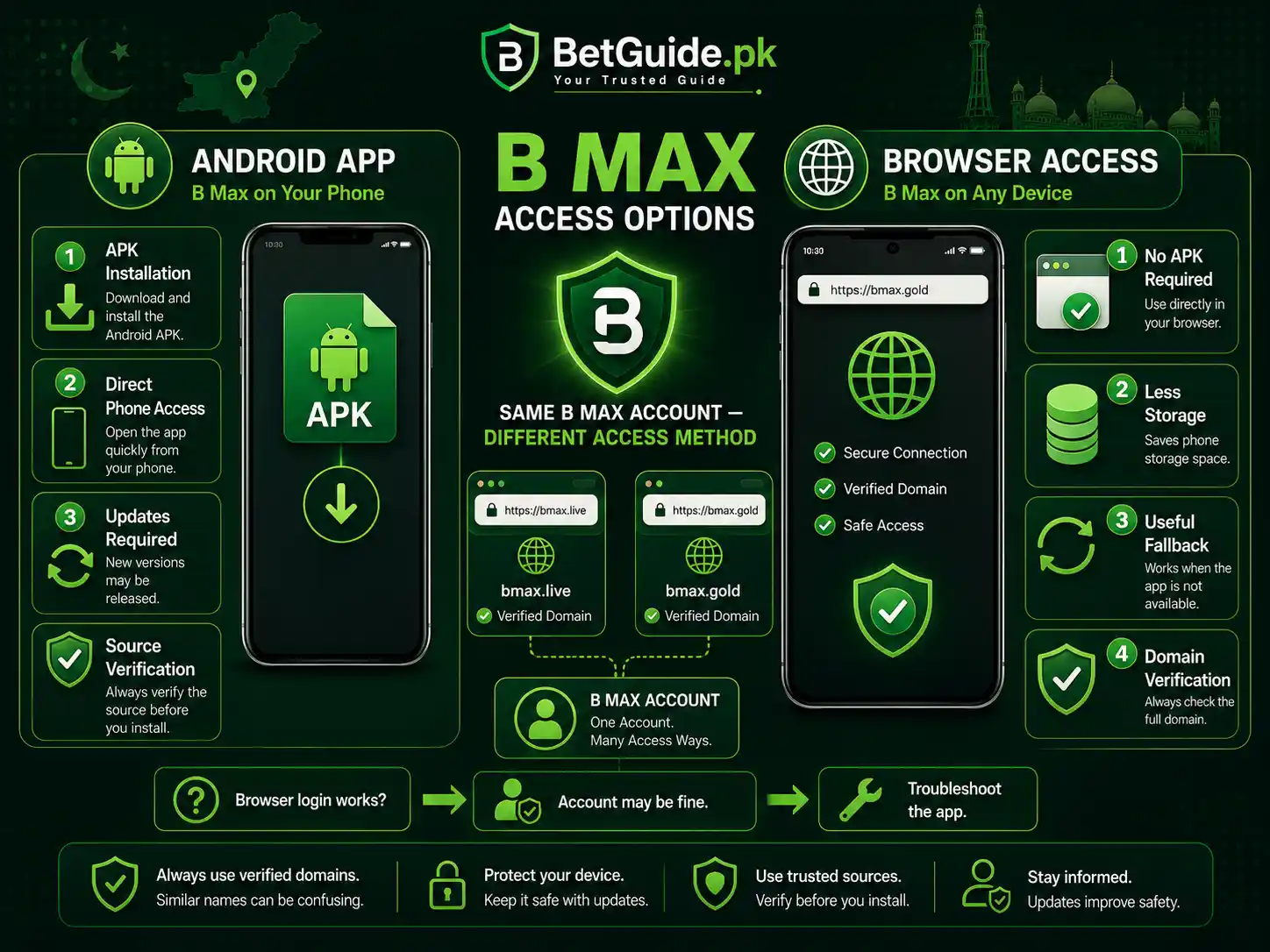
B Max currently uses two connected browser portals. BetGuide.pk identifies bmax.gold as the primary login and account-access portal, while bmax.live is used for the live market interface. One dealer-issued username and password work across both approved access points.
The distinction is useful when a user arrives through a Bmax Live app search. Instead of looking for a mobile installer, start with bmax.gold in a current browser and confirm that the account opens correctly. After successful login, use bmax.live when the live interface is required.
Do not assume that every domain containing “Bmax,” “B Max,” or a similar spelling belongs to the same service. The current BetGuide.pk B Max guide excludes bmax.com from the approved access flow, so verify the full domain before entering a username or password.
Why Bmax App Search Results Can Be Misleading
The phrase “bmax app” is broad and can surface unrelated products that happen to use BMAX or B-Max in their names. A familiar brand term in an app-store result, APK site, or search snippet is not enough to establish that the software belongs to this B Max betting platform.
Search results also age at different speeds. A page can keep an old “Download APK” headline long after the destination changes, and third-party sites may continue to mirror files whose source, version, or current compatibility cannot be checked. That makes the Bmax Live app query a source-verification problem too.
When current platform guidance says browser-only, the correct response is to use the verified browser route and wait for a new app destination to be independently confirmed. It is better to have fewer access options than to fill the gap with an unverified installer.
Is There a Bmax Live App for iPhone?
No approved iOS app is currently published in the BetGuide.pk B Max guidance. iPhone and iPad users should use a current browser and the approved B Max domains instead of installing an unknown configuration profile, enterprise certificate, or third-party package.
An iPhone page that claims to offer an “APK” is especially suspicious because APK is an Android package format. Likewise, an “official iOS app” label on a random download page is not proof of an approved App Store listing or verified distribution route.
If a genuine iOS route becomes available later, this article can be updated after the destination, publisher, and account flow are checked. Until then, browser access is the current recommendation.
What Works
Use bmax.gold for B Max Login and Account Access
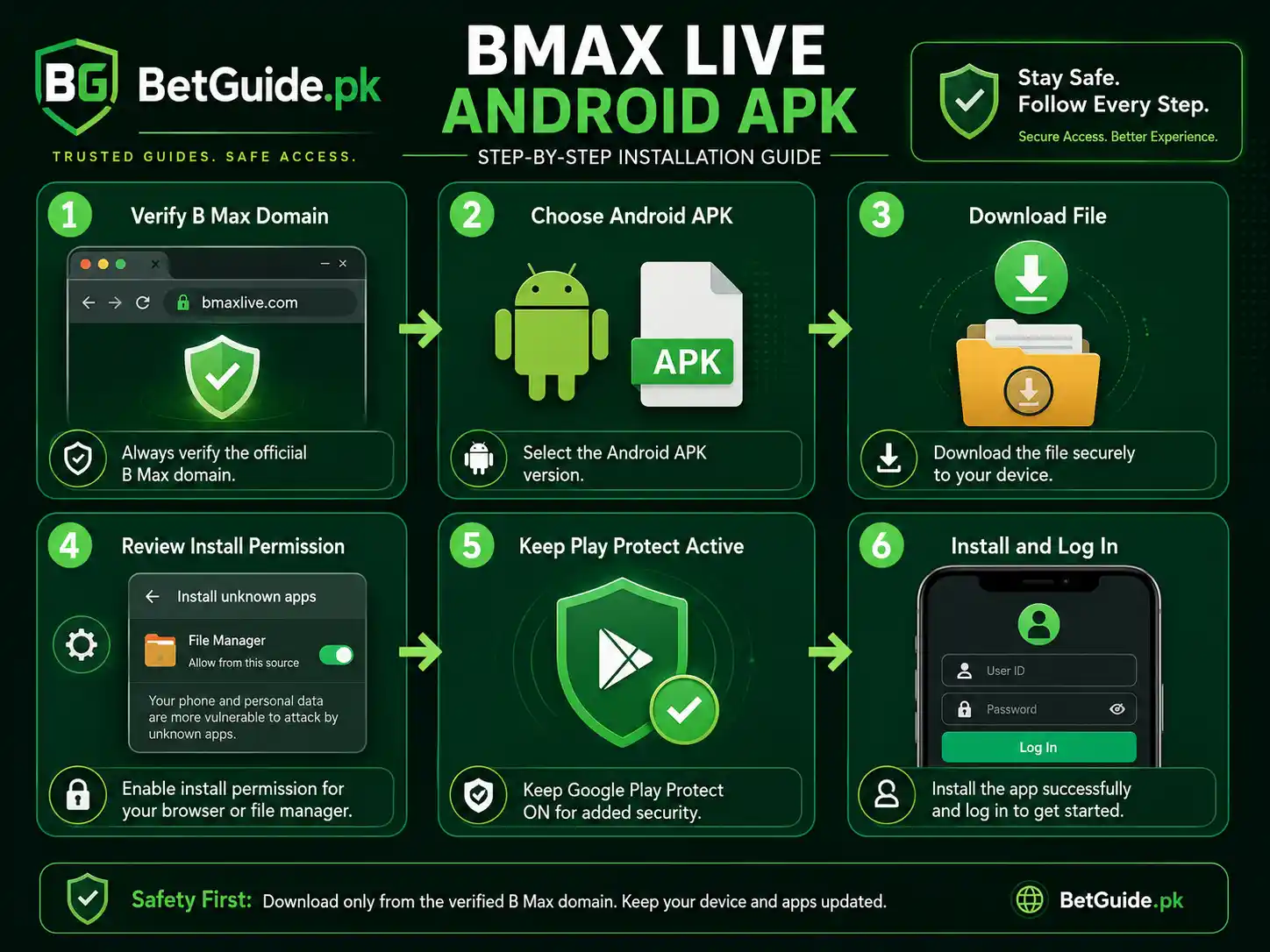
For mobile access, open bmax.gold in a current browser and check the address before entering credentials. The current B Max guide uses this portal for username-and-password login, account access, and the first account step after receiving dealer-issued credentials.
Type the username and current password carefully. If the browser has saved an older password, confirm what autofill is inserting before assuming the account is blocked. A saved credential can remain outdated after a password change.
If the page loads but rejects the login, do not solve the problem by searching for a Bmax Live app APK. An app would not fix an incorrect username, forgotten password, or restricted account. Use the dealer-assisted recovery route described in the B Max Live Pakistan guide when password help is genuinely needed.
Use bmax.live for the Live Market Interface
After the account is working, bmax.live is the approved live-interface portal identified by BetGuide.pk. It is not a reason to create a second account, and it should not require a separate username simply because the domain differs from bmax.gold.
If bmax.gold works but bmax.live does not, keep that successful login result in mind. It suggests that the basic account credentials may still be valid, while the problem could involve the live portal, browser session, connection, or temporary platform availability.
Do not immediately reset a working password because one interface is unavailable. Reload once, test a clean browser session, and try again later if the issue appears temporary. If the problem persists, use the approved dealer-support route rather than an unknown public number.
Bmax Live App Download: What Should You Do Now?
If you searched for a Bmax Live app download, the current answer is simple: do not download an APK unless an approved route becomes available and can be verified again. BetGuide.pk is not publishing an APK link now, so there is no current file on this guide that users should install.
This also means that “latest version,” “old version,” “mod APK,” “free APK,” and similar labels should not be treated as substitutes for an approved source. A file can carry any filename or version label without proving who created it, whether it was changed, or whether it still works with the current platform.
If a future Bmax Live app route appears, the first task will be to verify the destination, current platform relationship, file type, and account behavior before recommending installation. Until then, the browser is not a temporary workaround; it is the access method that BetGuide.pk can currently support with verified guidance.
Do Not Reuse an Old B Max APK Automatically
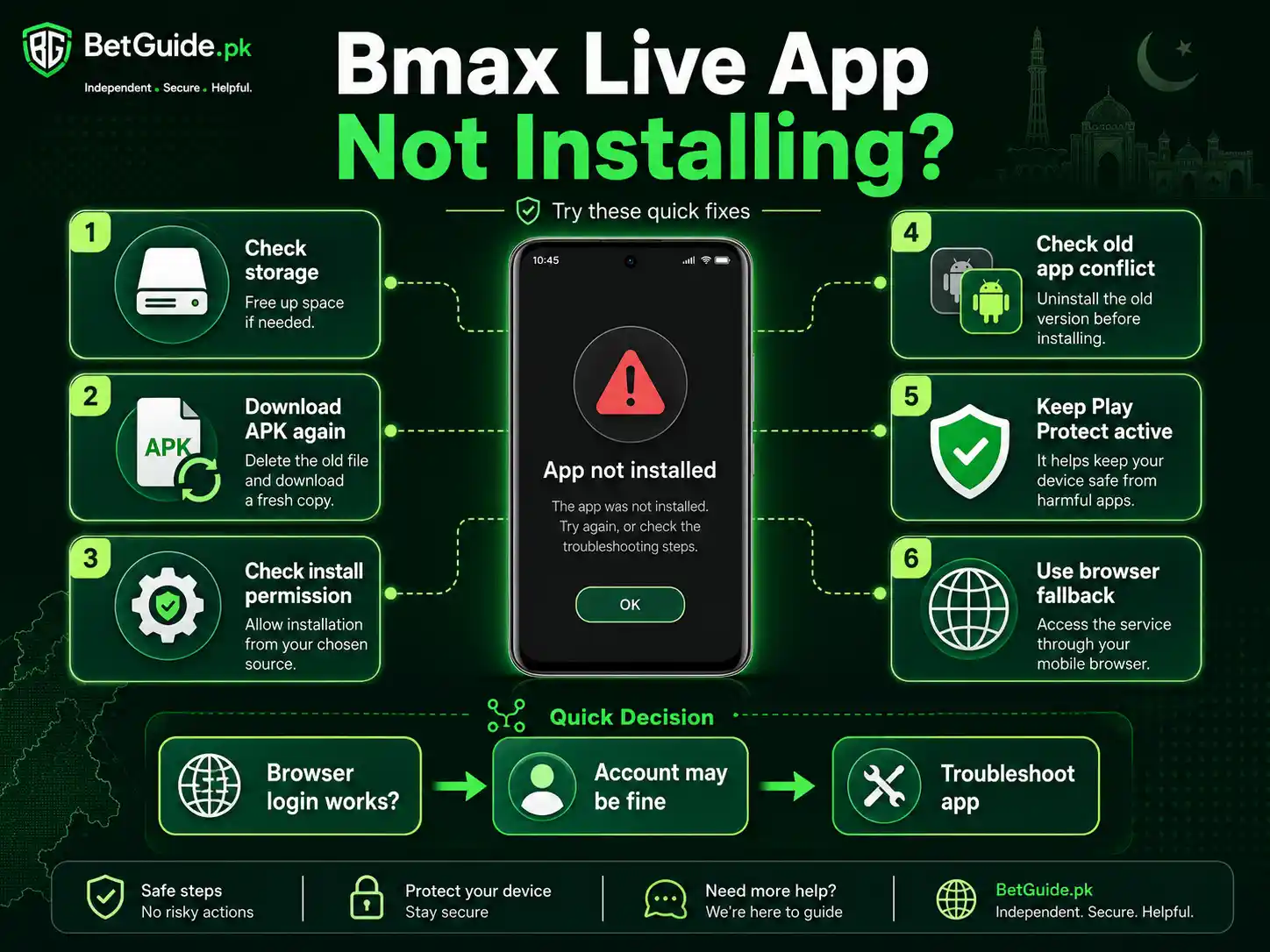
Some users may still have an older B Max APK on their phone from a previous access period. The presence of an installed app does not prove that the package is still supported, current, or safe to update from an old source.
If the old Bmax Live app still opens, avoid assuming that any update prompt is genuine. Check where the prompt leads before downloading anything, and do not enter new credentials into an app whose current relationship to the platform cannot be verified.
If the old app no longer works, browser access is the cleaner fallback. Uninstalling an old package is a device decision, so review any locally stored information you may need first, then use Android’s normal app-management controls if you decide to remove it.
Why We No Longer Give APK Installation Steps
An installation tutorial makes sense only when there is a current approved file to install. Without that, detailed instructions about unknown-source permissions, APK versions, package conflicts, updates, or old builds can accidentally encourage users to install a file from somewhere else.
The old version of this article included those steps because an APK route had previously been observed. The current B Max guidance has changed, so the article has changed with it. Updating the advice is more useful than pretending app availability is permanent.
Android security features such as Google Play Protect still matter in general, but they should not be used to legitimize an unverified Bmax Live app file. Security scanning reduces some risks; it does not establish that a file is the platform’s approved application.
What About Google Play?
BetGuide.pk is not publishing an approved B Max Google Play listing now. Search results containing the words “BMax,” “B Max,” or similar branding can belong to unrelated apps, so do not use the name alone as evidence that a listing is connected to this betting platform.
If you encounter a possible listing, check the publisher, linked website, privacy information, app purpose, and whether the platform itself points users to that exact page. A legitimate-looking store page can still represent a completely different product with a similar name.
Until a Bmax Live app listing can be connected to the approved account flow, browser access remains the current recommendation. Do not enter dealer-issued B Max credentials into an unrelated app simply because the title appears familiar.
Use a Home-Screen Shortcut if You Want Faster Mobile Access
Android and iPhone browsers can usually add a website shortcut to the home screen. This can make browser access feel more direct without requiring an APK or separate mobile application.
Open the verified B Max portal in your browser, use the browser menu, and look for an option such as “Add to Home screen” or an equivalent shortcut feature. The wording varies by browser and phone version, so follow your browser’s normal interface rather than a third-party installation prompt.
A shortcut does not turn the site into a verified native Bmax Live app. It simply gives you a convenient icon that opens the browser destination. Check the domain whenever the shortcut opens, especially after redirects or browser updates.
What if bmax.gold Will Not Load on Android?
Start by checking whether other websites load on the same connection. If several sites are failing, the problem is probably broader than B Max. If other sites work, confirm the domain, reload once, and try a current browser.
A private or Incognito window can help test whether old cookies, cached data, or extensions are interfering with the session. If the site works there but not in your normal browser, the account may be fine and the issue may be local browser data.
Do not install an unknown APK because the browser is temporarily inconvenient. A loading problem should be troubleshot as a loading problem. Switching from a verified website to an unverified file creates a new risk without proving that the original issue is fixed.
What if bmax.live Will Not Open After Login?
First confirm whether bmax.gold still accepts the same username and password. If it does, avoid resetting the password simply because the live interface is unavailable. The successful account login gives you useful evidence that the credential pair is still functioning.
Try bmax.live in a fresh tab or clean browser session and note any error message. If the problem affects multiple trusted networks and browsers, temporary platform availability becomes more plausible. If it affects only one device, focus on that browser or connection first.
For detailed login troubleshooting, keep the issue separated into portal, credential, browser, and account-status checks. Do not create duplicate accounts or use a different public domain to bypass the problem.
What if You Forgot the B Max Password?
The current B Max guidance describes forgotten-password recovery as dealer-assisted rather than a public self-service reset. Use the approved support route connected to your account and provide only the username or account reference reasonably needed to identify the request.
A password-recovery conversation should not require your email password, bank login, wallet PIN, card PIN, or OTP. Never send the current or newly changed B Max password to an unknown contact.
Once access is restored, keep the new password private and update any saved browser credential that still contains the old one. This prevents autofill from making a recovered account look broken on the next login.
How to Check a B Max Link Before Using It
Read the full domain instead of relying on the page logo. Look for spelling changes, extra words, strange subdomains, numbered mirrors, or shortened links that hide the destination. If you arrive through an advertisement or forwarded message, verify the route independently before entering credentials.
The current BetGuide.pk B Max guidance uses bmax.gold for login and bmax.live for the live market interface. That gives you a clear reference point when a page claims to be a Bmax Live app download portal but sits on an unrelated domain.
If the address does not match the route you intended to use, close it. A convincing design is not a substitute for domain verification.
Protect the Account While Looking for Mobile Access
App-search intent attracts fake support as well as questionable downloads. Someone may offer a “working APK,” “VIP app,” “new domain,” or “account activation” and then ask for your password, OTP, wallet PIN, bank PIN, or remote access to the phone.
Do not provide those secrets. A dealer may reasonably need a username or account reference for account assistance, but financial authentication codes and your private password should remain with you.
If a contact tells you that installing a Bmax Live app requires screen sharing or remote-control software, stop. Mobile access should not require another person to control your device.
Bmax Live App Ka Current Status Kya Hai?
Agar aap Pakistan mein Bmax Live app search kar rahe hain, current BetGuide.pk guidance ke mutabiq abhi koi approved Android APK, Google Play listing, ya iOS app publish nahin ki ja rahi. Account login ke liye bmax.gold aur live market interface ke liye bmax.live browser mein use karein.
Random WhatsApp message, Telegram channel, APK website, ya unknown download link se file install na karein. “Latest version,” “official APK,” ya “old version” likha hona source verification nahin hota.
Agar bmax.gold par login ho jata hai lekin bmax.live open nahin hota, password foran reset na karein. Pehle browser, connection, aur live portal ko separately check karein. Password bhool gaye hon to approved dealer-assisted recovery route use karein aur OTP, wallet PIN, bank PIN, ya current password kisi unknown person ko share na karein.
Trade-offs
Browser Access vs Waiting for a Bmax Live App
A native app can be convenient because it gives users a dedicated icon and a familiar installed experience. Browser access requires no APK installation, no sideloading permission, and no separate update package, but users still need to verify the domain carefully.
At present, the trade-off is straightforward because there is no approved Bmax Live app route published by BetGuide.pk. Using the browser gives up the convenience of a verified native app that is not currently available, while avoiding the uncertainty of an unverified installer.
If an approved app returns later, users can compare the verified app and browser on practical factors such as storage, update process, device compatibility, and ease of access. That comparison should happen after verification, not before it.
Convenience vs Source Verification
An APK mirror may appear convenient when a browser page is slow or a search result promises a one-tap installation. The problem is that convenience does not answer who published the file, whether it was modified, or whether the package is still supported.
Browser access creates its own verification task because phishing pages can imitate login screens. The advantage is that the current approved domains are known, so users have a concrete destination to check before entering credentials.
The safer choice is the route with the fewest unknown steps. Right now, that is the verified browser flow.
Old Information vs Current Information
App availability can change faster than an article’s search ranking. A page written when a download button existed can remain visible after the button disappears, which is why old instructions should not be treated as timeless technical facts.
This update deliberately removes earlier APK-installation and version guidance. The Bmax Live app keyword still deserves an answer, but the useful answer today is that no approved app is being published through this guide and browser access should be used instead.
When the platform changes again, the article should change again. Freshness matters more than preserving an old tutorial.
Next Steps
Bmax Live Mobile Access Quick Start
On Android or iPhone, open a current browser and verify the B Max address before entering credentials. Use bmax.gold for login and account access, then use bmax.live for the live market interface when required.
If you want faster access, create a normal browser home-screen shortcut after opening the verified domain. Do not treat that shortcut as a native Bmax Live app, and do not install a separate package unless an approved app destination is later confirmed.
If login fails, check the username, saved password, browser session, and account status before requesting recovery. If you need a new B Max account, dealer-assisted password help, deposit guidance, or withdrawal guidance, use the B Max Live Pakistan guide.
Can I Download the Bmax Live App in Pakistan?
BetGuide.pk is not currently publishing an approved B Max Android APK, Google Play listing, or iOS app. Use browser access through bmax.gold for login and bmax.live for the live interface, and avoid APK files from unknown mirrors, groups, or messages.
What Happened to the Previous B Max APK?
An APK route had previously been observed, but the current B Max guidance no longer uses that destination and does not publish an approved APK. App availability can change, so old download instructions should not be reused as proof that a current package is still approved.
Can I Use My Existing B Max Account in the Browser?
Yes. The current B Max account flow uses the same dealer-issued username and password across bmax.gold and bmax.live. You should not need a duplicate account because there is no current app route.
Should I Install an Old Bmax Live App APK?
Not from an unverified archive or mirror. An old package may be unsupported, modified, or connected to an outdated route. Use the current verified browser access and wait for a new approved app destination rather than guessing which old file is genuine.
References
The B Max Live Pakistan guide is the current BetGuide.pk parent source for the account model, approved portal pair, password recovery, mobile-access status, payments, and dealer assistance. It currently states that bmax.gold is used for login and account access, bmax.live is used for the live market interface, and no approved Android APK, Google Play listing, or iOS app is published at present.
The live bmax.gold login page currently presents username and password fields. BetGuide.pk uses that observable page together with the parent guidance to distinguish the primary account-login role from the bmax.live live-interface role.
Google’s Android security guidance explains that Play Protect can check apps from Google Play and other sources, but security scanning should not be confused with source verification. A file passing or reaching a device security check does not by itself prove that it is an approved Bmax Live app.
Conclusion
Need Help With B Max Mobile Access?
The most important update is simple: do not chase an APK that BetGuide.pk cannot currently verify. Use bmax.gold for account login, bmax.live for the live interface, and keep the same dealer-issued credentials across the approved browser flow.
If an old Bmax Live app is already installed, do not assume that a new update prompt or mirror file is approved. Use browser access while the app route remains unverified. If a future approved APK or iOS destination becomes available, this guide should be refreshed after the source and account flow are independently checked.
For account creation, password recovery, payment guidance, or dealer support, continue to the B Max Live Pakistan guide. BetGuide.pk provides independent information and disclosed dealer assistance where stated; it does not operate B Max, control platform uptime, hold balances, guarantee withdrawals, or promise betting outcomes.
Betting involves financial risk. Use only discretionary money, set limits before betting, and never let an access problem push you toward an unknown domain, unverified APK, rushed payment, or loss-chasing decision. For broader safer-use guidance, read the Responsible Gaming guide.